Your First Online Cancer Consultation: From Uploading Records to Receiving Your Oncologist's Report
Getting your first online cancer consultation is simpler than it sounds. This guide walks you through every step - from uploading your medical records to understanding the written report your oncologist sends after the call.
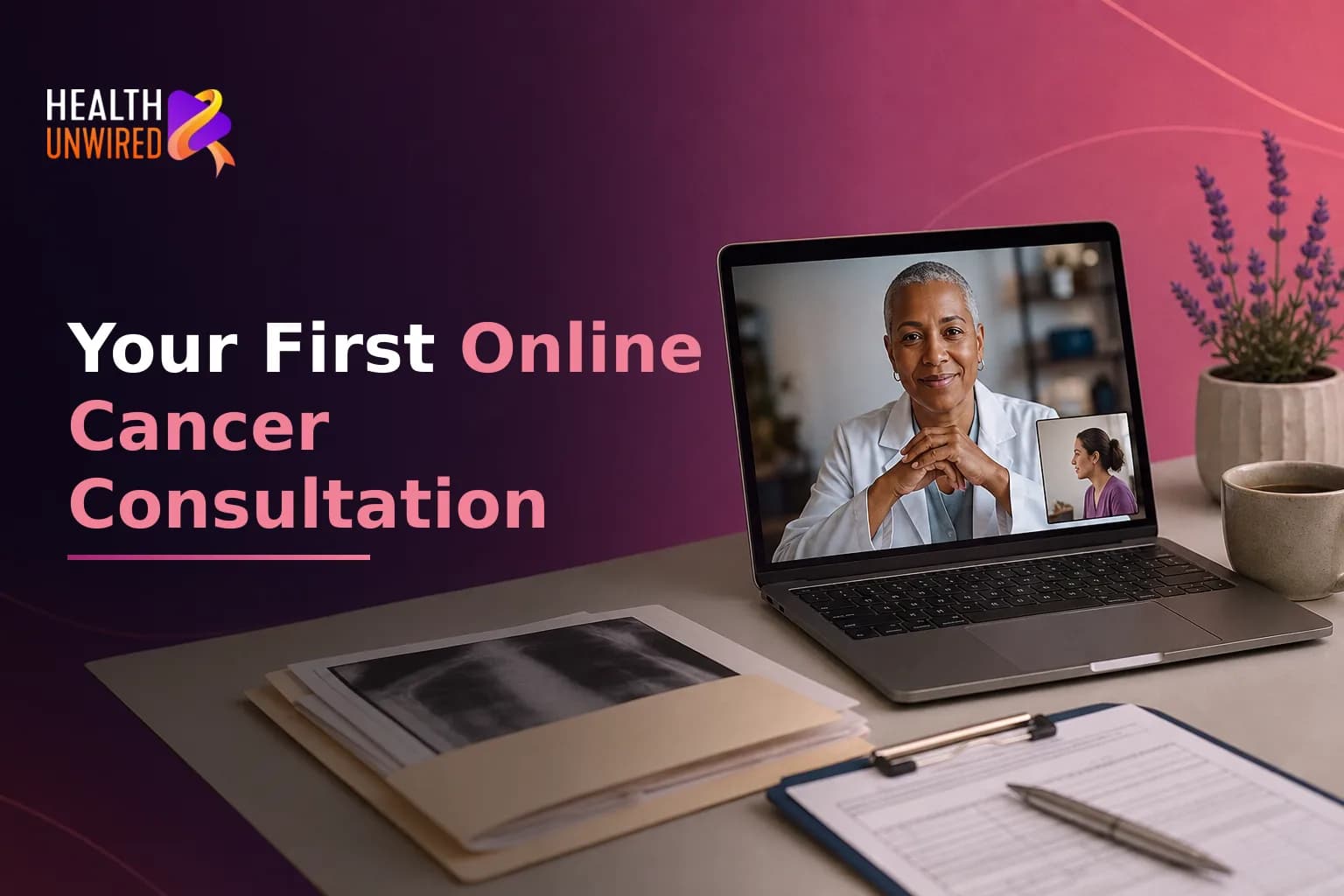
Updated on Jun 30, 2026
Your First Online Cancer Consultation: From Uploading Records to Receiving Your Oncologist's Report
Getting a specialist's eye on your cancer case no longer requires booking a flight or waiting weeks for an appointment slot. An online cancer consultation connects you with a verified oncologist - often within 24 to 48 hours - from wherever you are. You gather your records, upload them to a secure portal, join a video call, and receive a written report you can share with your local care team. The process is practical and established. But if this is your first time, you may not know what to send, what to say during the call, or what to do with the report once it arrives. This guide walks you through every stage.
How Does an Online Cancer Consultation Work?
- Gather your records. Collect your pathology report, imaging files, recent blood tests, surgical notes if relevant, and a list of current medications.
- Upload securely. Use the platform's encrypted portal to send your documents before the consultation window opens.
- Complete a brief intake form. Answer questions about your diagnosis, current symptoms, and the specific decision you want help with.
- Join the video call. The oncologist reviews your records in advance, so the call focuses on your questions - not on reading documents aloud.
- Ask your prepared questions. Start with the one that matters most to you. Put the most important question first.
- Receive your written report. Within 24 to 72 hours, you get a structured written summary of the oncologist's assessment and recommendations.
What Records Do You Need for Your Online Cancer Consultation?
The oncologist can only work with what you send. Incomplete records lead to incomplete advice. According to the American Cancer Society, the core documents for a cancer second opinion include:
- Your pathology report - the lab analysis of tissue from your biopsy or surgery
- Imaging reports and, where possible, the actual image files - CT, MRI, PET scans, or X-rays
- Operative notes if you have already had surgery
- Recent blood test results, including any tumor markers
- A summary of treatments you have received so far - drug names, doses, and dates
- A list of current medications and supplements
You do not need everything in perfect order before you start. Most platforms give you a checklist and accept documents in stages. If a key record - for example, your pathology slides - is still held at a hospital lab, note that on your intake form. The oncologist can often give useful input from available records and flag what else they need to go further.
If you are still making sense of a recent diagnosis and working out which tests matter, the guide on understanding your tests in the first 72 hours after a cancer diagnosis explains what each result means and which questions to bring to any oncologist - online or in person.
How to Upload Your Records Safely
Privacy is a real concern when sending medical records online. Reputable telehealth oncology platforms use end-to-end encryption for file transfers and store data to meet recognized health data standards - such as HIPAA in the United States. Look for a clear data-protection statement on the platform's website before uploading anything. If you cannot find that information, ask the support team directly.
Practical tips for uploading:
- Scan paper documents at a high enough resolution to read clearly. Most smartphone scanning apps produce a good PDF.
- Export imaging files as DICOM files where possible. This is the standard format for CT, MRI, and PET scans and preserves the full diagnostic detail that an oncologist needs.
- Label files clearly - for example, CT Chest April 2026 - so the oncologist can find them quickly before the call.
- If your hospital stores scans on a physical CD, check whether the platform accepts those file types or whether you need a digital conversion service first.
Many patients worry that requesting their own records will cause friction with their current doctor. In practice, you have a right to copies of your own medical information under most health data frameworks. Your treating oncologist does not need to be part of the upload process unless you want them to be.
What to Do in the 24 Hours Before Your Video Consultation
Preparation makes a real difference to the quality of a consultation. Here is what helps:
- Write down your top three questions. Put the most important one first. You may not reach all of them, but you will always reach the first.
- Prepare a brief timeline. When did symptoms start? What tests were done, and in what order? A two-minute verbal summary helps the oncologist place your records in context.
- Test the video link the day before. A quiet room and a stable internet connection make a real difference to the call.
- Bring a second person if possible. A caregiver or family member can take notes while you talk. Most patients retain less of a medical conversation than they expect.
- Be clear about the core decision you need help with. Is it confirming a diagnosis? Comparing two treatment options? Deciding whether to travel for specialist care? A clear question leads to a focused, useful answer.
Research supports preparing specific questions before a telehealth cancer call. The National Cancer Institute found that telehealth visits for cancer care may save patients an average of $147 to $186 per visit compared with in-person appointments - not counting travel costs and time off work, which add up quickly for patients accessing care from another city or country.
What Happens During the Video Consultation?
A well-run online oncology consultation is structured, not open-ended. The oncologist reviews your records before the call starts. That means the time together is spent on dialogue - not on the doctor reading your file aloud while you watch.
You can expect the oncologist to:
- Summarize what they found in your records and confirm or raise questions about your current diagnosis
- Outline the treatment options relevant to your specific case
- Suggest any additional tests that would sharpen the picture before a treatment plan is finalized
- Answer your prepared questions directly
- Note any areas where more information would be needed before giving a firm view
You do not need to know medical terminology. If the oncologist uses a term you do not recognize, ask them to explain it in plain terms. That is a necessary question, not a basic one. The goal of the call is to leave with a clearer picture than you had before.
A second opinion is a normal step in cancer care - not a signal that your current doctor has done something wrong. Research published in BMC Cancer found that second opinions led to changes in diagnosis or recommended management in many patients across multiple cancer types. That reflects the complexity of oncology decisions.
For a closer look at how remote review works in practice, the article on whether online lung cancer second opinions are reliable covers what an oncologist can and cannot assess remotely - useful reading before any online consultation.
What Your Oncologist's Written Report Will Cover
The written report is often the most valuable and most overlooked part of an online cancer consultation. After your video call, the reviewing oncologist produces a structured document. You can read it in your own time, share it with your treating team, and return to it when making decisions.
Most written oncology consultation reports include:
- A summary of records reviewed - which documents the oncologist examined and the date range they covered
- The oncologist's diagnostic assessment - whether they agree with your current diagnosis or see a different interpretation of the findings
- Treatment considerations - options the oncologist views as appropriate for your case, with the reasoning behind them
- Recommended additional investigations - any further tests that would strengthen the treatment plan before a final decision is made
- Areas of uncertainty - an honest statement of what cannot be determined from the available records alone
A clear written report helps you have a better-informed conversation with your treating oncologist. It is not a replacement for ongoing care. If any section of the report is unclear, most platforms allow you to send a follow-up question to the reviewing specialist.
According to Memorial Sloan Kettering Cancer Center, a second opinion can confirm that the recommended treatment is the right fit for your case - or show that a different approach may be worth exploring with your care team.
How to Use the Report After Your Consultation
Receiving the report is not the end of the process. Here is how to make the most of it:
- Share it with your local oncologist. Your treating doctor may agree with every recommendation, or they may add context you did not have when you consulted online. A written specialist report starts a conversation with your care team.
- Read it twice before acting. The first read is often emotional. The second read, a day later, is where you start to identify your real questions.
- Note what you still want to ask. The report may answer some questions and raise new ones. That is expected.
- Use it to compare options. If the report suggests a different approach than your current treatment plan, you now have a structured basis for a discussion with your care team - not just a feeling.
- Keep a digital copy in your personal records. Medical records can be difficult to retrieve later. A secure digital copy of your written report is one of the most useful documents you can hold through a long treatment journey.
If your consultation report points toward specialist treatment at a center outside your home country - India, for example, is a destination many international patients consider for access and cost reasons - the guide on medical tourism to India for cancer care covers visas, travel planning, and how to manage remote follow-up from home.
When to Talk to Your Doctor
Contact your care team promptly if your symptoms change or worsen, or if something in your consultation report raises an urgent concern. An online consultation is a tool for informed decision-making - not a substitute for emergency care, and not a replacement for the ongoing oversight of your treating oncologist.
At HealthUnwired, you can upload your records and connect with a verified oncologist within 48 hours.
This article is for general information and is not a substitute for medical advice. Always consult your oncologist or care team about your specific situation.
Frequently Asked Questions
Similar Topics

Leukemia Second Opinion: What Hematologic Oncologists Review
A leukemia second opinion is a recognized and normal step in blood cancer care. This guide explains exactly w…
HealthUnwired Team
Sep 18, 2026
Understanding Your Lymphoma Diagnosis and Staging
A lymphoma diagnosis involves three steps: a biopsy, a pathology report naming your exact subtype, and a stag…
HealthUnwired Team
Sep 16, 2026
Newly Diagnosed with Leukemia: Your First Steps
A leukemia diagnosis is overwhelming, but your first moves can shape everything that follows. Here is what to…
HealthUnwired Team
Sep 14, 2026